Screen 01
Caption — what this screen does, in one line.

Service design for quip's connected oral-care platform — patients and providers.
Nine screens stacked in a soft three-column mosaic. Each tile drifts at its own speed as you scroll, so the page feels alive without leaving the page.
Caption — what this screen does, in one line.
Caption — the second beat of the flow.
Caption — the third moment worth slowing down on.
Caption — a key state, ideally the one users miss.
Caption — the close. What the user feels at the end.
A paragraph of placeholder copy describing the first state. Three or four sentences works best — enough to give the phone something to hold against, not enough to crowd it.
The middle moment. Show a decision, a transition, or the part of the flow most users misread. Pair with a screen that shows the change clearly.
What the user gets. The frame should feel like resolution; the copy should name the moment plainly without overselling it.
An optional fourth step for flows with a quiet, confirming ending. Keep symmetric with the screens — four steps, four images.
Drag the divider to compare. Use for rebrands, dark/light modes, screen redesigns — anywhere a single before/after frame is more eloquent than two stacked images.
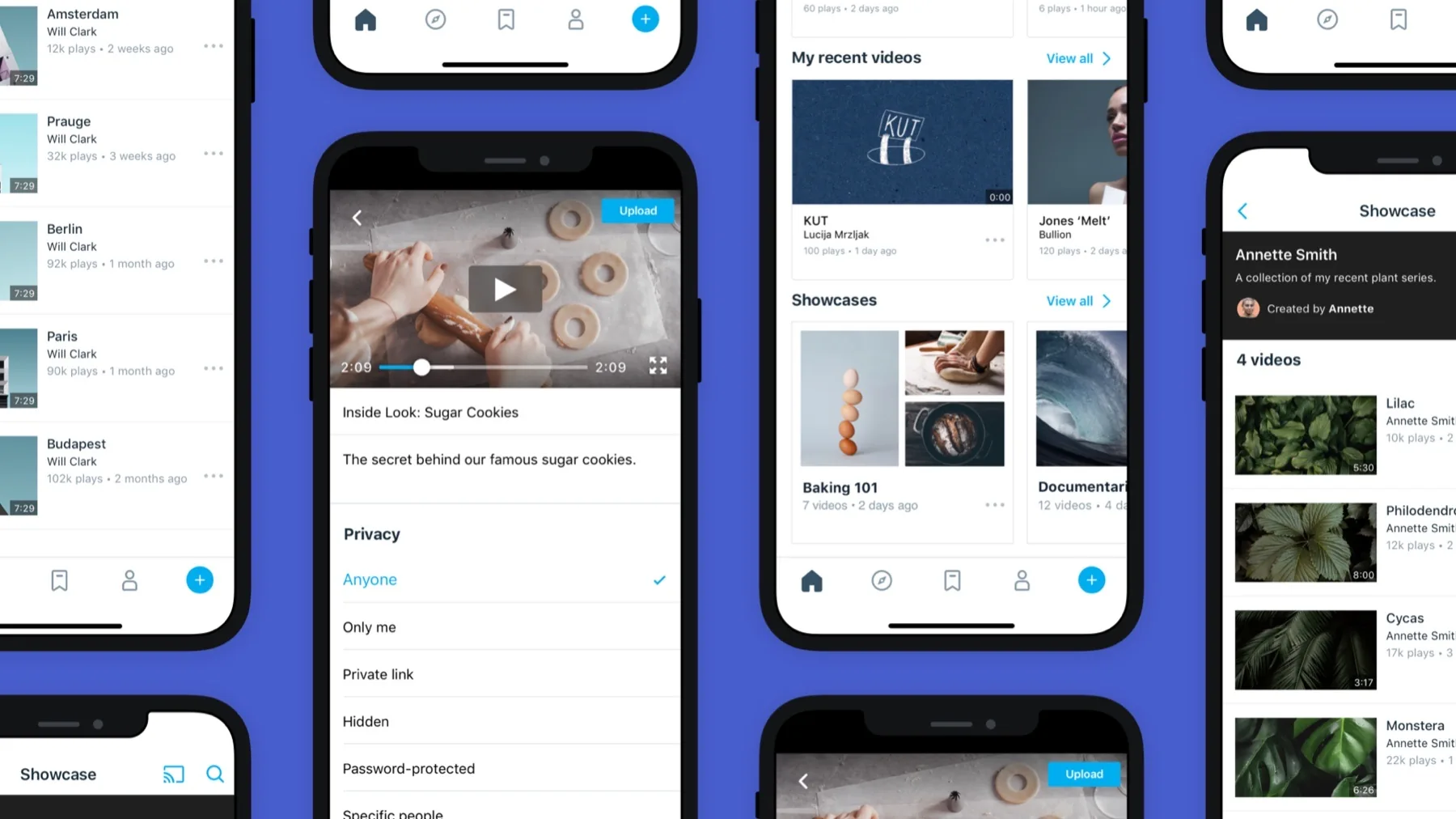
Mobile inbox and playback for Vimeo's iOS app — designed for makers, not viewers.
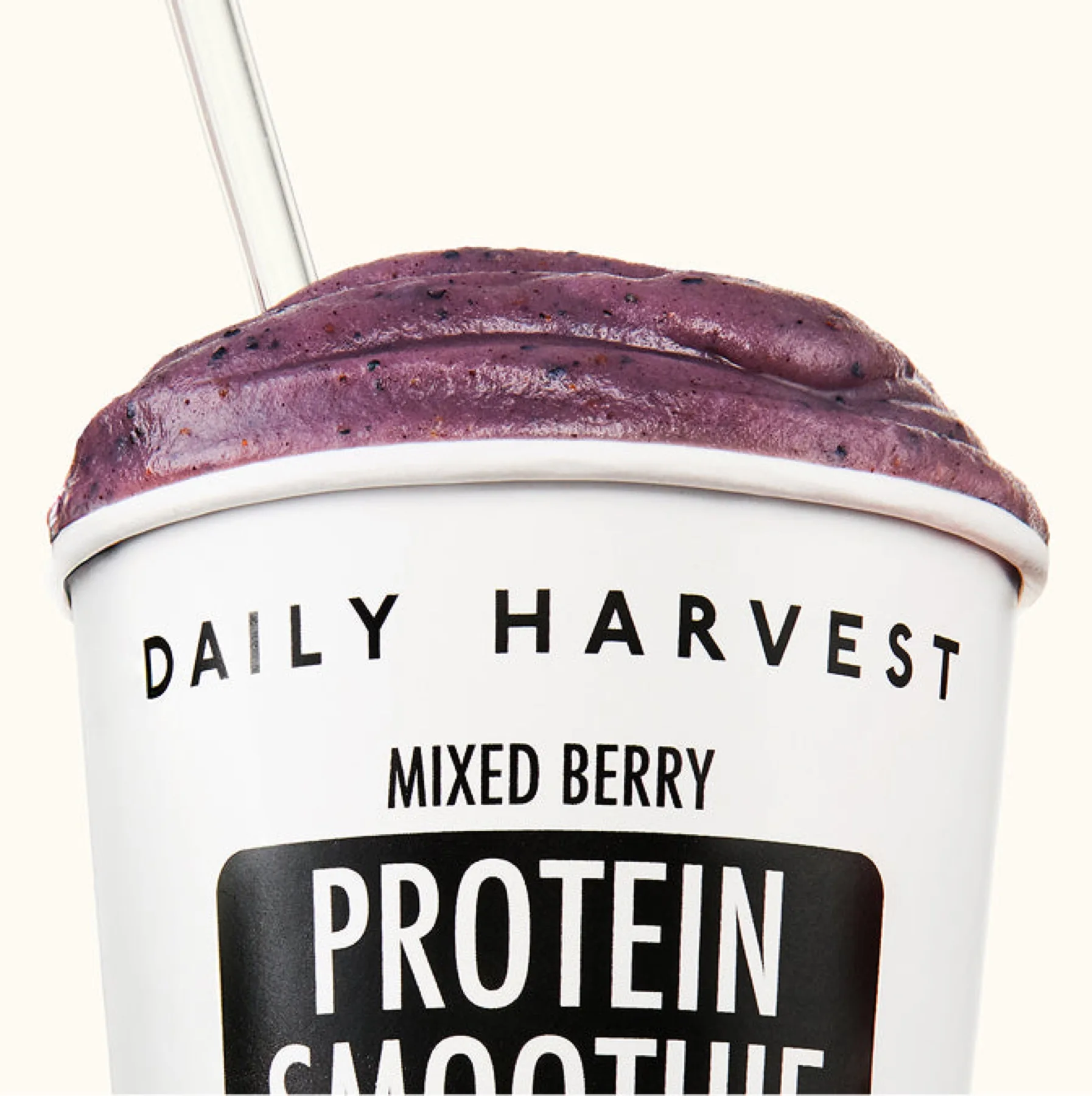
Editorial and product calibrated for the moment a customer opens the box.